Reports From a Machine Learning Workshop for Designers
Massimo Banzi, arduino.cc
Matteo Loglio, oio.studio
Serena Cangiano, Maind Master SUPSI Lugano

Description
The acceleration of processing power, large amounts of data, the release of open source frameworks and research papers are only few of the factors that contributed in making artificial intelligence one of the most hyped and interesting trends of the last few years.
Machine learning is watching over the devices we use every day, it listens and records our actions, learns our behaviors, predicts our intentions. All the big tech giants are competing to lead the market: only in the last year, millions of ai-powered assistants flooded the market.
There are many branches of AI where designers could have a great impact.
So far the most obvious applications are conversational design, voice interfaces and natural language, but we are starting to move into more experimental directions. We can train machines to understand our movements, to see the world as we do, to create artworks, write poems and generate new languages.
The Switch
The goal of the course was to design and prototype a physical product from one of the building blocks of interaction design: the switch: not a product by itself, but a silent functional component of more complex artifacts. In this workshop we wanted to glorify the switch: what if the switch was intelligent? What if a switch could learn? What if a switch could teach us something? What if a switch didn’t want to switch anymore? What if the switch didn’t look like a switch anymore (i.e. you lose the affordance)?
This was the one-week challenge: make a switch that is able to learn, and design the user experience around it.
The workshop at SUPSI
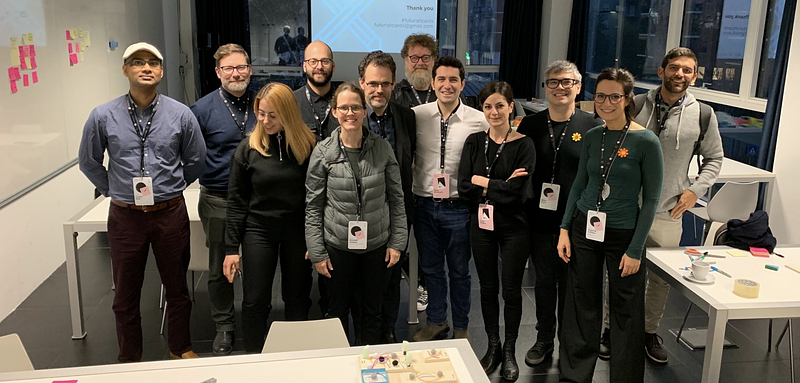
In January 2018, we organized an experimental workshop at the Master of Advanced Studies in Interaction Design, at SUPSI. The workshop proposed a series of activities aimed to introducing students to the basics of Artificial Intelligence, Machine Learning for Interaction Design and the available prototyping tools. The schedule was divided across an initial exploration in technology, followed by a classic design ideation and prototyping phases.
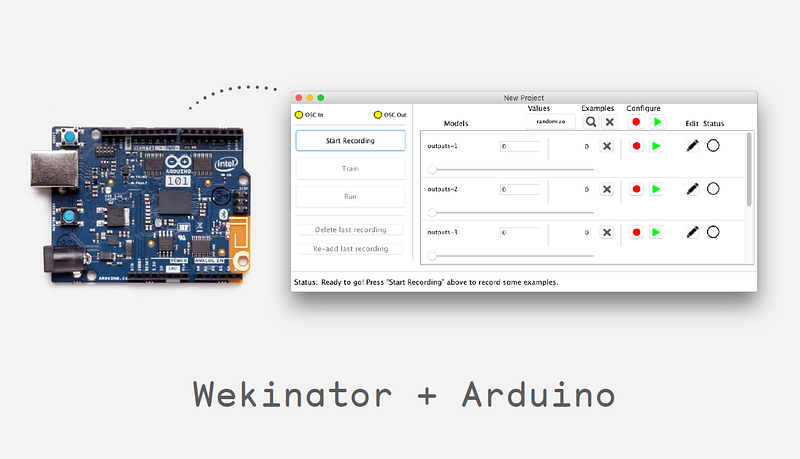
Different tools were used for different projects: the Arduino101 was used to prototype physical interactions, as it offers a primitive neural network on board. For more complex projects we used Wekinator: a free and open-source software used to build machine learning interactions without too much effort.
The Project Outcomes
During the five days of workshop, the students were able to design and prototype five projects. All of the “switches” proposed shared a common interaction: they could be trained to generate only two outputs: on and off. Besides the interaction, the outcomes were very diverse from one another : a student designed a haptic interface to help old people to operate home appliances, while another student worked on an alarm clock that could be stopped only by matching a very specific pattern, making it very effective in waking up the user. Other projects ranged from a kitchen device used to identify different sounds to help people with hearing disabilities to a door handle that was recognizing different grips, in order to lock the house without any other tool.